
Your brand, exact on every ad.
An image model paints the scene. Motif sets your real logo, exact colours and typeset copy on top, so the hundredth ad matches the first.

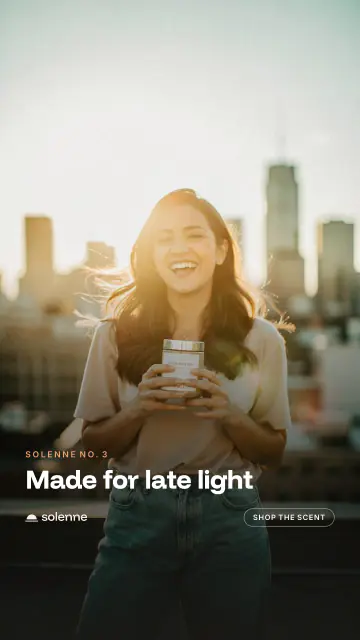
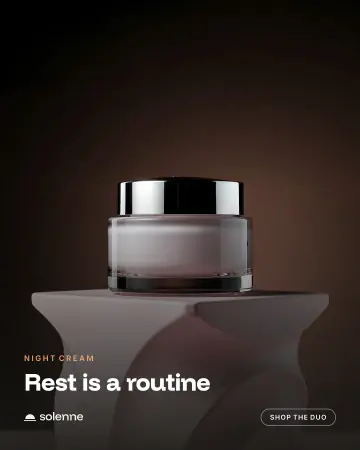
The model paints the scene. Code sets your brand.
Your logo, colours and copy never go to an image model. They are set on top of the scene from your brand kit, which is why they cannot drift.
Logo
Your real file, placed the same way in every size.
Copy
Headline and call to action, typeset in the kit's fonts. Never misspelled.
Palette
Four exact hex values, never approximated.
Product
Your product photo's own pixels, composited, not redrawn. Optional.
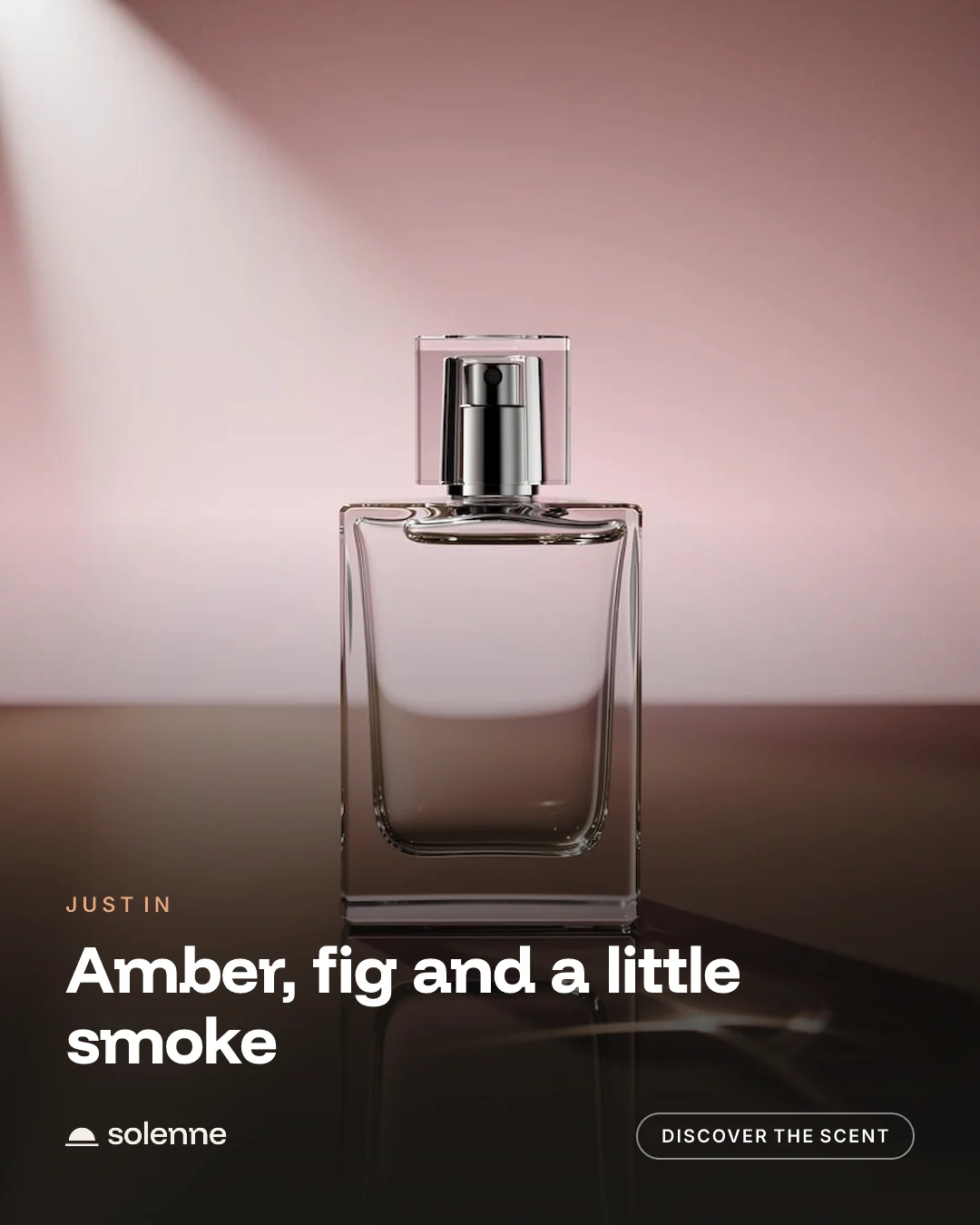
One brand kit. Every size you post in.
Six sizes from one kit: 1:1, 4:5, 3:4, 4:3, 16:9 and 9:16.
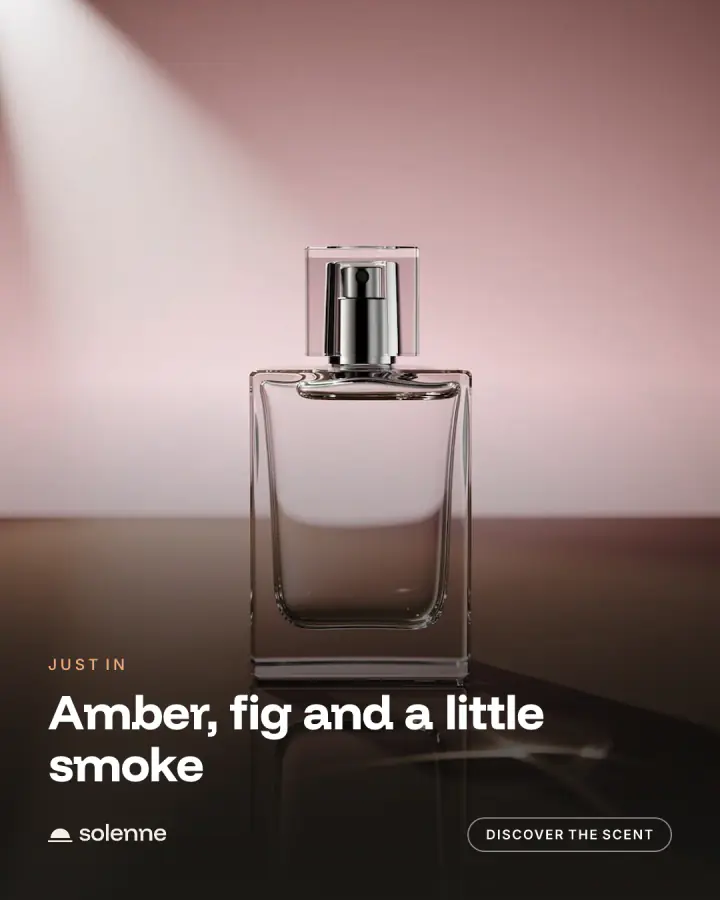
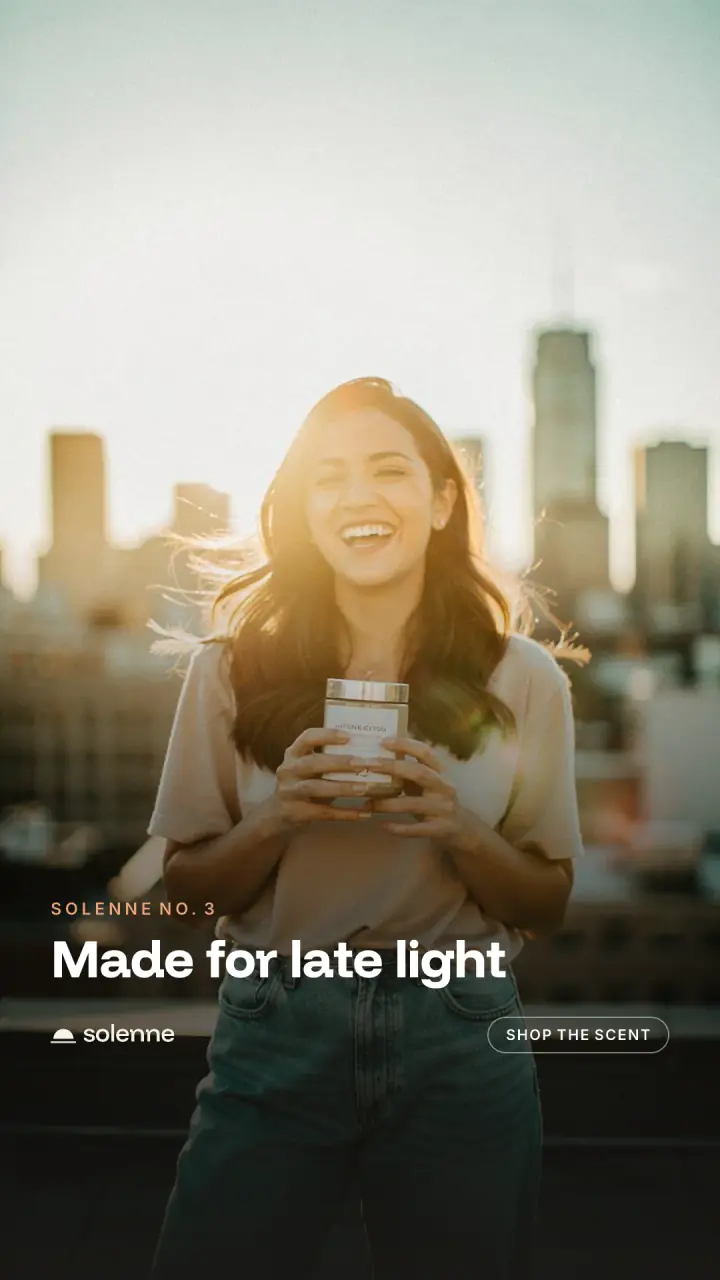
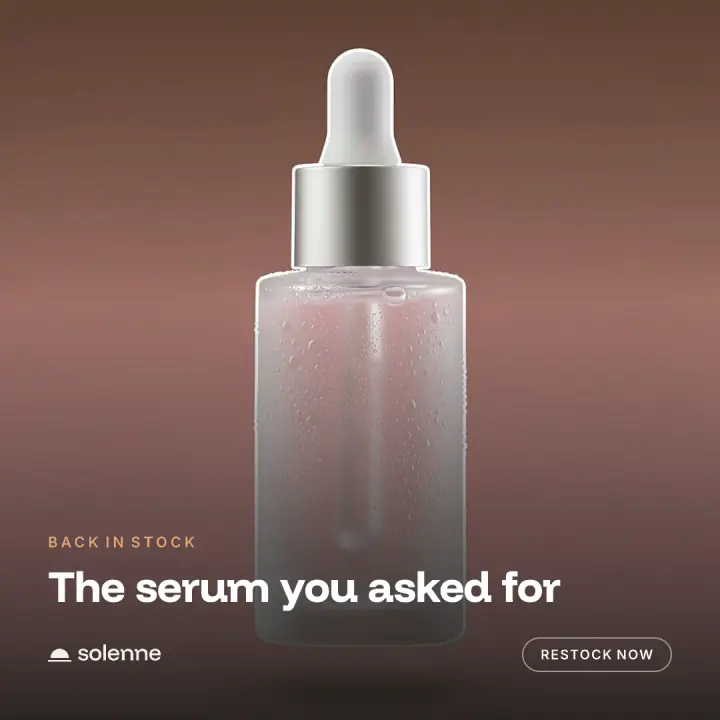
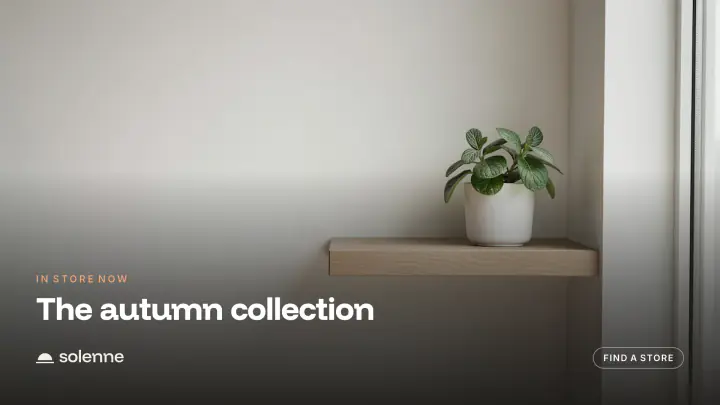
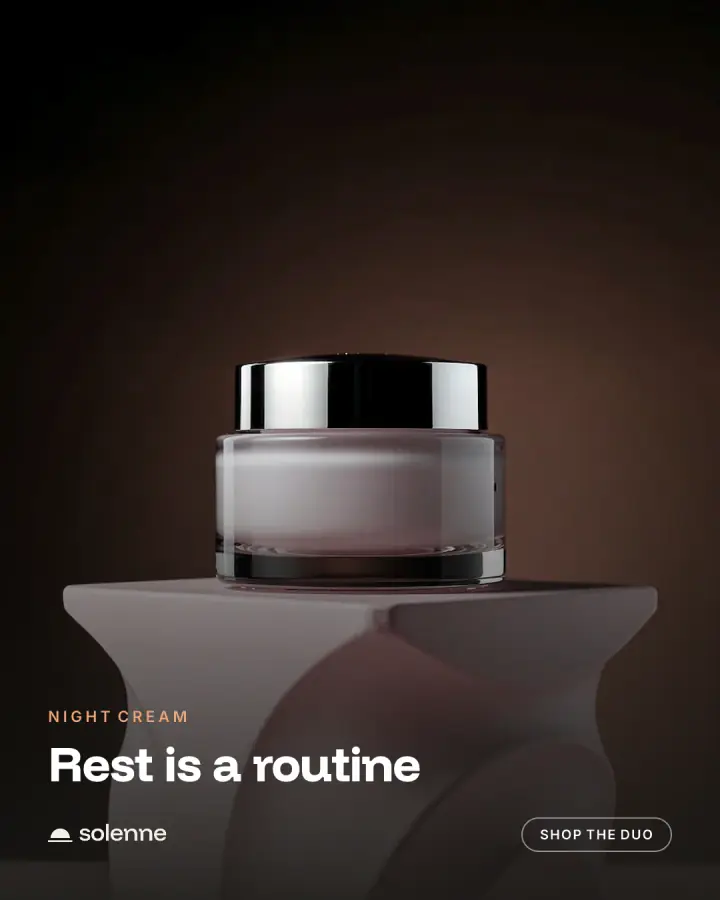
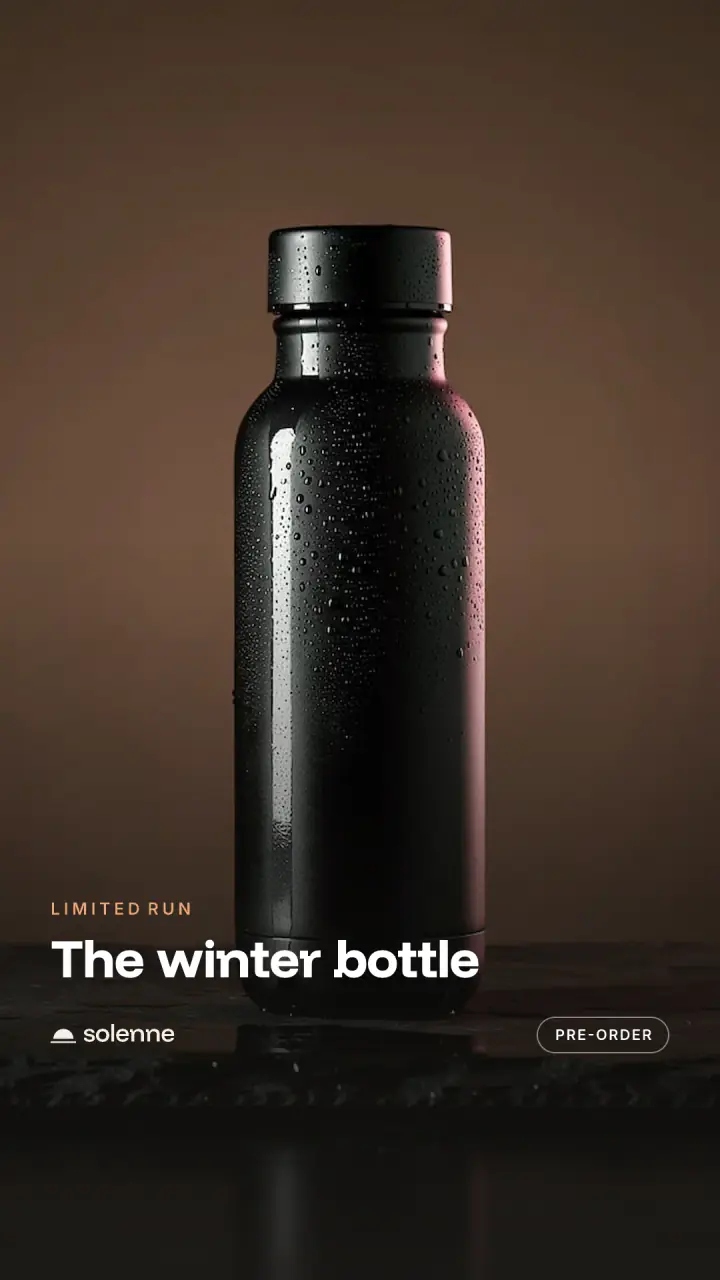
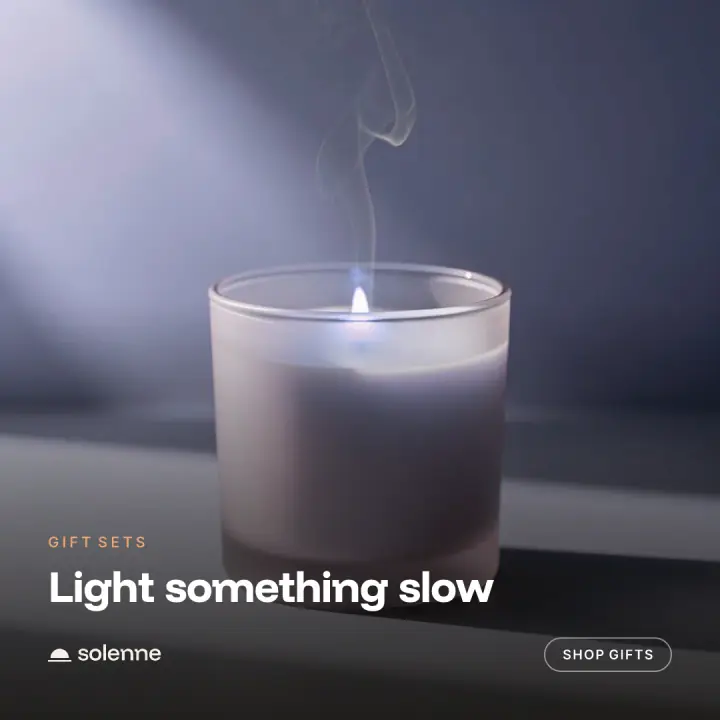
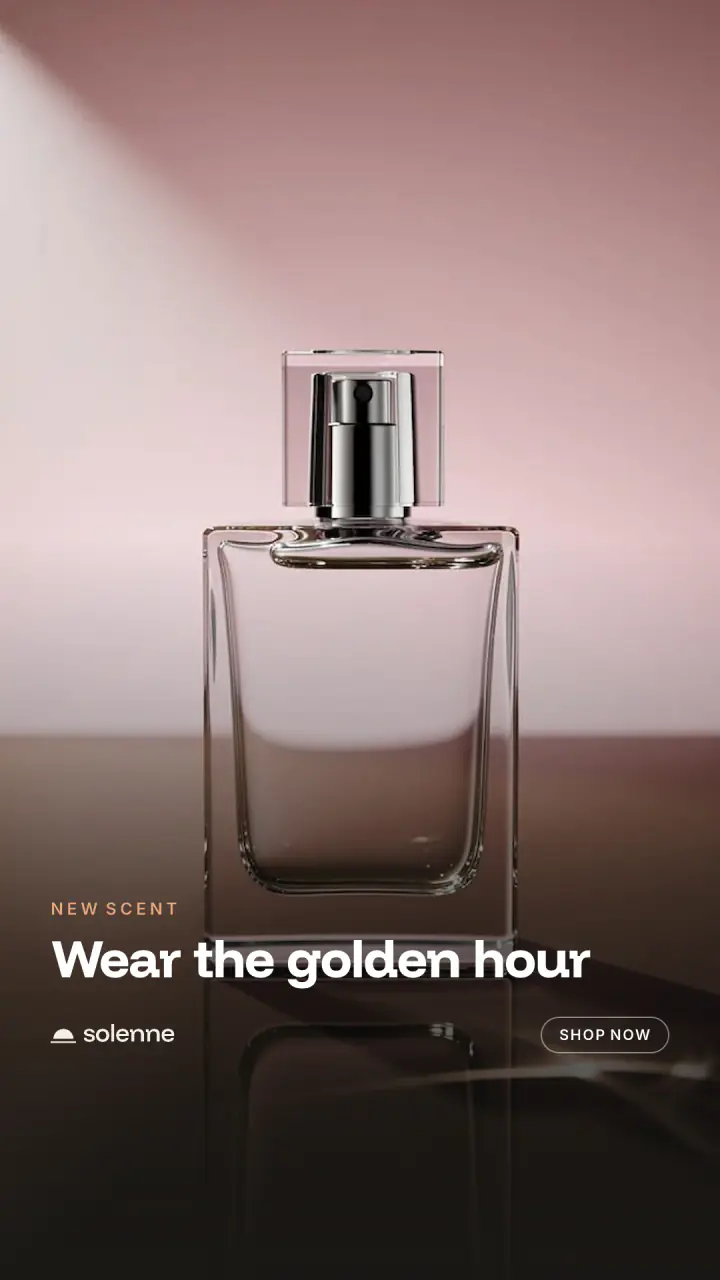
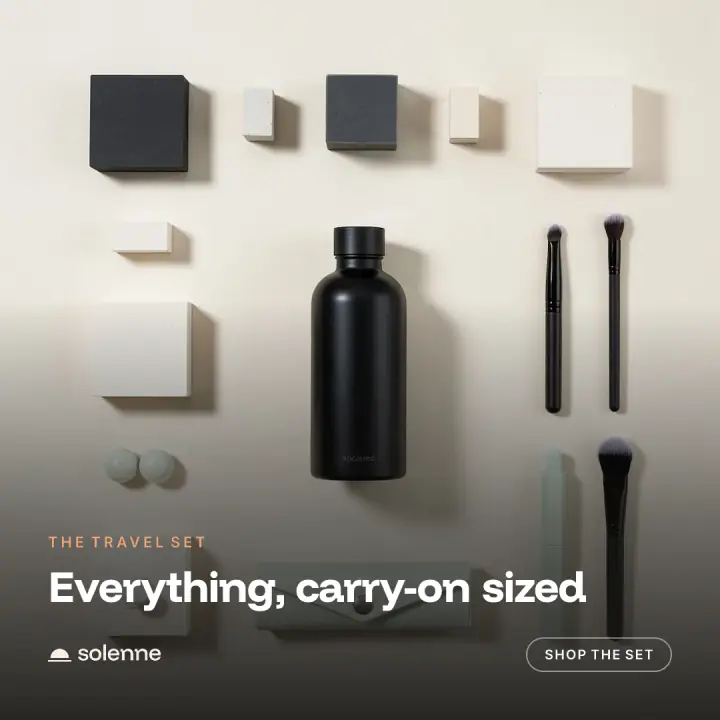
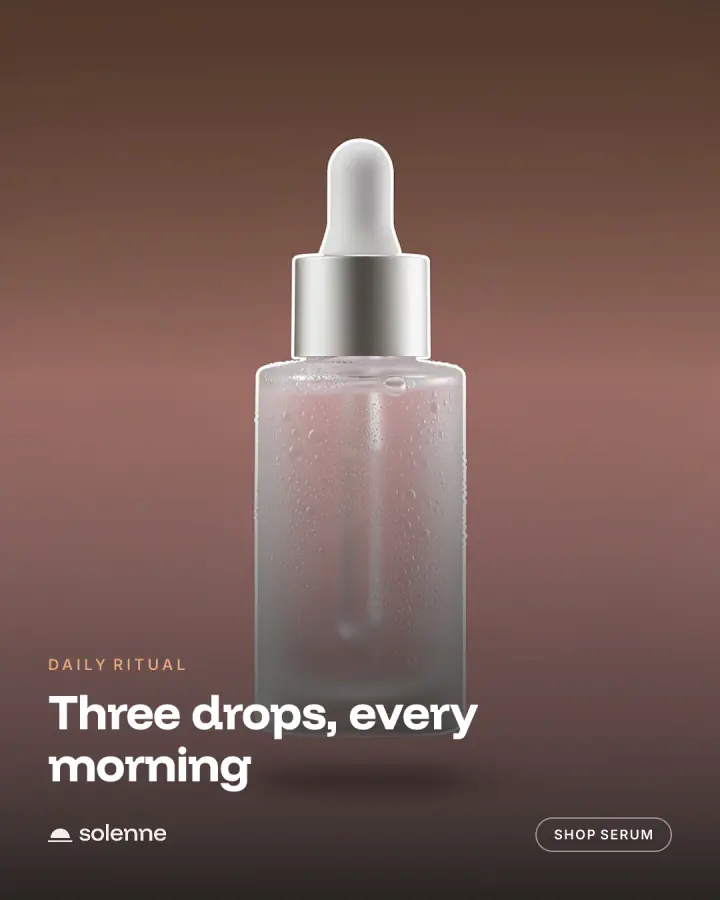
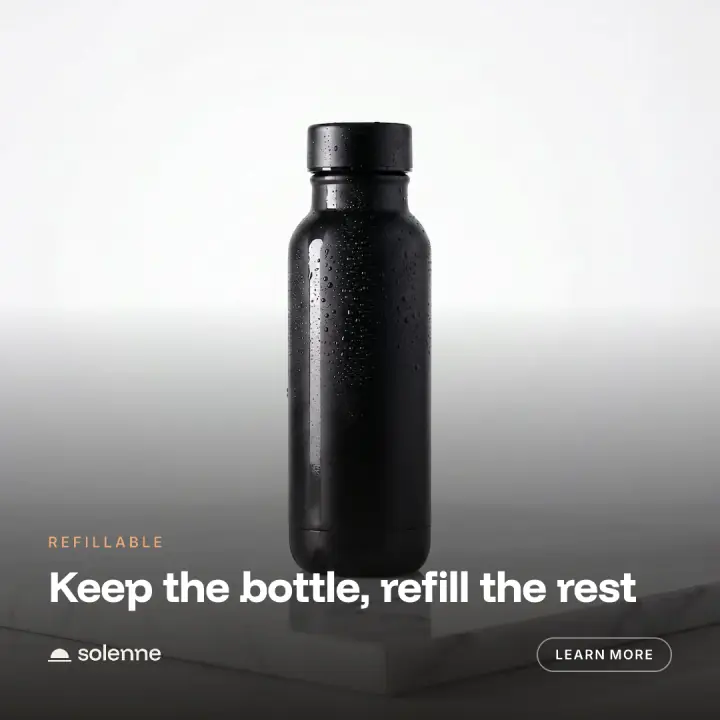
Every ad here was set by Motif's compositor over a stock scene.
From brand kit to finished ad, in three steps.
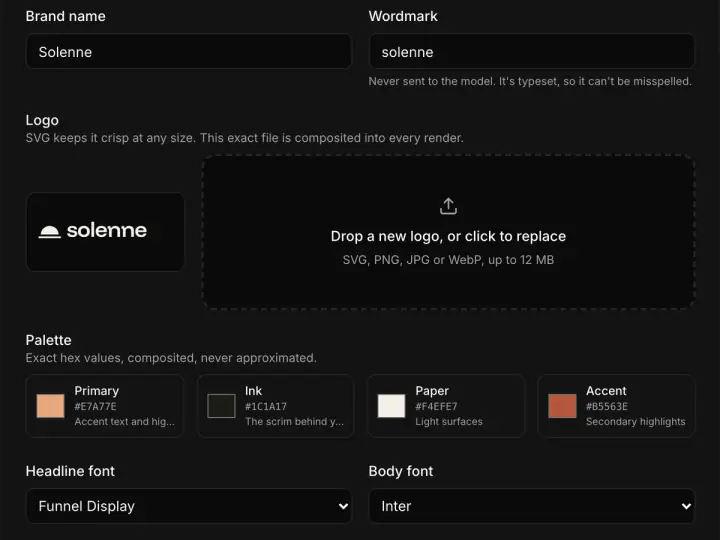
1
Set your brand once
Logo, palette, fonts and an optional product photo. One kit per brand.
2
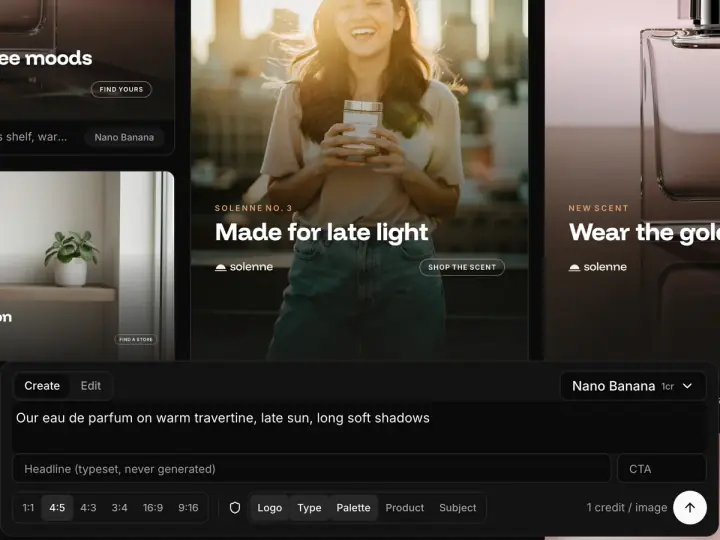
Describe the scene
Write what you want to see, add a headline, pick a size and a model. The price shows before you spend.
3
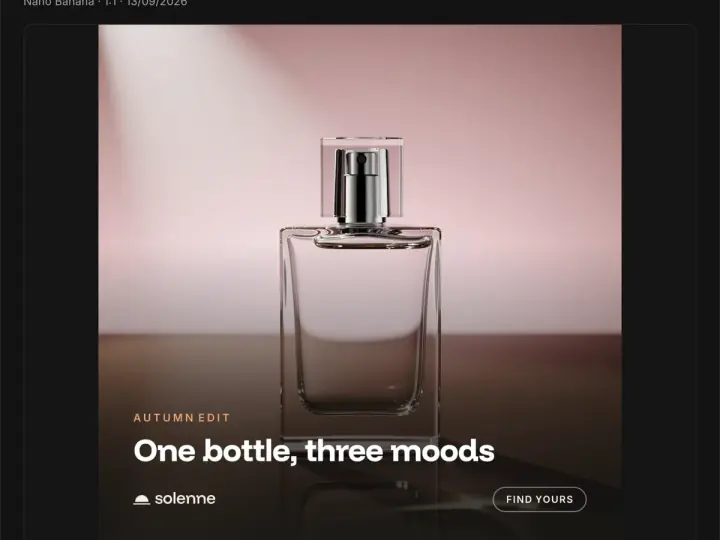
Download every size
Review the finished ad and download it, or download a whole campaign at once.
Built for the people who ship the ads.
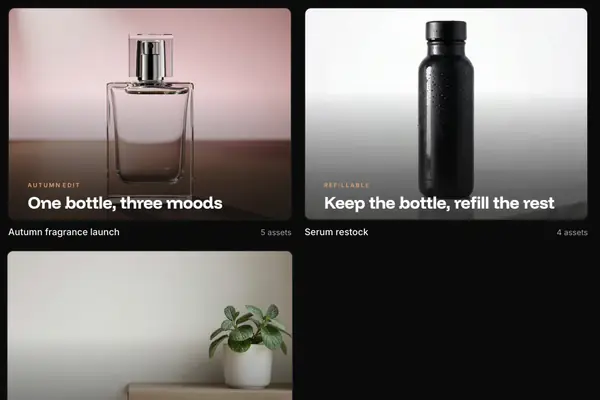
One space per push
A launch, a restock, a season. The briefs and every finished ad stay together.
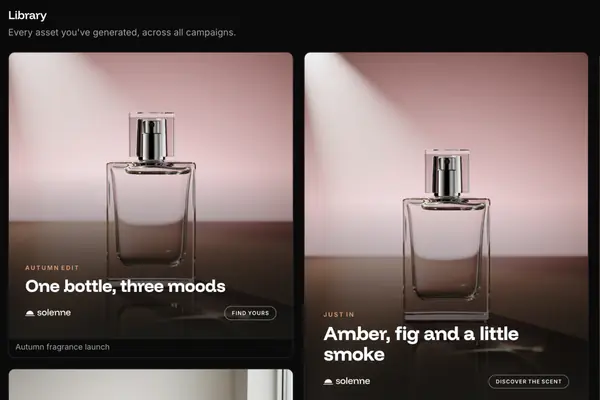
Everything you have made
Every ad across every campaign, in one grid. Reuse any prompt in the composer.
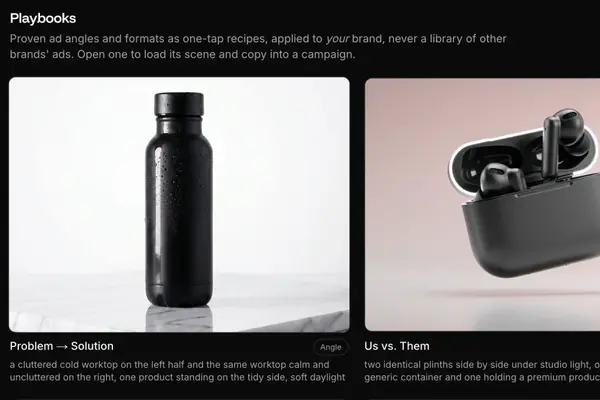
Angles that already work
Problem and solution, us against them, flat-lay and more. One tap loads the scene and the copy.
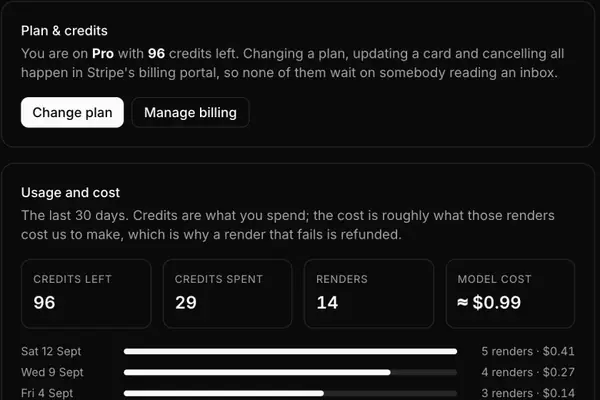
Know what every image costs
Credits left, credits spent and renders, day by day. A render that fails is refunded.
Questions, answered.
How is this different from other image generators?
Most ask one model to draw the whole ad, logo included, and the logo drifts. Motif asks the model for the scene only, then sets your brand on top from your own files.
Will my logo and colours stay exact?
Yes. Your logo, palette and copy never go to an image model. They are composited on top of the scene, the same way in every size.
How do I start?
Create an account and look around the studio. To make your first ad, pick a plan or buy a top-up of credits. Plans and prices are shown once you are signed in.
How do credits work?
One credit is one standard image. Premium models cost more, and the composer shows the price before you generate. A render that fails is refunded.
Which image models does it use?
Stability's image models on Amazon Bedrock, Nano Banana 2 and GPT Image 2 through ElevenLabs, and a few models on Replicate. You pick the model for each render.
Which sizes can I make?
Six: square 1:1, portrait 4:5 and 3:4, landscape 4:3, wide 16:9 and story 9:16.
How do I sign in?
With Google, or with your email: we send a link and a six-digit code. There is no password to keep.
Who owns the ads?
You do: what you upload and what you make. Paid plans include a commercial license.
Can I cancel any time?
Yes, in the billing portal, without writing to anyone. Top-up packs never expire.
Set your brand once. Make ads all day.
Running ads for many brands? Book a walkthrough
